 简体中文
简体中文
 English
 繁體中文
繁體中文
 Русский
 日本語
日本語
 Français
 한국어
한국어
 Deutsch
 Português
 Español
CrossDriver Company
NTFS Read/Write Tool
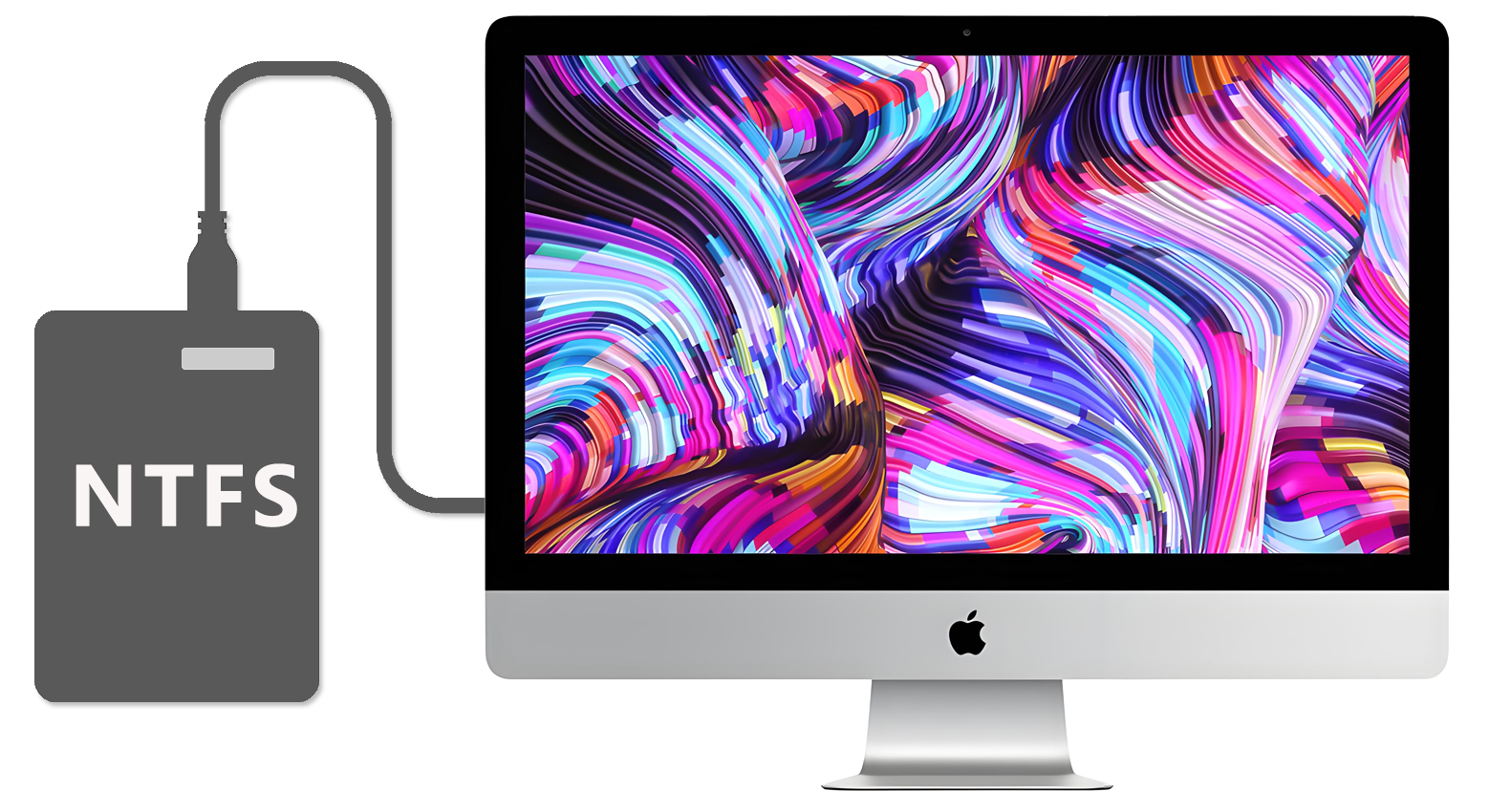
Compatible with Apple computers with Intel/M1/M2/M3/M4/M5 chips Access and edit NTFS partitions in the system, and realize data reading, writing, editing and other functions
 Download Now
  Buy Now
That's all you need to Read/Write NTFS disks on Mac
Enable a friendlier interaction between  MAC and
  Windows
CrossDriver Company
NTFS Read/Write Tool
Compatible with Apple computers with Intel/M1/M2/M3/M4/M5 chips Access and edit NTFS partitions in the system, and realize data reading, writing, editing and other functions
That's all you need to Read/Write NTFS disks on Mac
Enable a friendlier interaction between MAC and Windows


Can't Access NTFS After a macOS Update? Here’s the Fix.
2026-04-10 14:20:43
After a macOS update, NTFS-formatted external hard drives often suddenly “stop working”.
You might find desktop icons missing, the disk appearing grayed out in Disk Utility and unmountable, or frequent “disk not mounted” error messages popping up.
Many people assume the drive is damaged, but the real issue is that macOS natively only supports read-only access to NTFS. After an update, driver incompatibility or SIP (System Integrity Protection) restrictions can cause previously accessible NTFS drives to become unrecognized!
CrossDriver NTFS for Mac is built specifically for Mac users.
With one-click installation, it enables full read-write support for NTFS drives and is compatible with macOS 10.13 all the way through macOS 26.
After installation, it automatically detects and mounts your device—no complicated commands or manual setup needed. Use it just like a regular drive: freely move, copy, save, and delete files.
Its kernel-level driver technology can achieve transfer speeds over 8x faster than FUSE-based application-layer tools.
Stop struggling with your hard drive after every system update! Share this with friends who are also facing NTFS read-write issues on macOS. Say goodbye to file transfer headaches and effortlessly manage data across platforms.