 简体中文
简体中文
 English
 繁體中文
繁體中文
 Русский
 日本語
日本語
 Français
 한국어
한국어
 Deutsch
 Português
 Español
CrossDriver Company
NTFS Read/Write Tool
Compatible with Apple computers with Intel/M1/M2/M3/M4/M5 chips Access and edit NTFS partitions in the system, and realize data reading, writing, editing and other functions
 Download Now
  Buy Now
That's all you need to Read/Write NTFS disks on Mac
Enable a friendlier interaction between  MAC and
  Windows
CrossDriver Company
NTFS Read/Write Tool
Compatible with Apple computers with Intel/M1/M2/M3/M4/M5 chips Access and edit NTFS partitions in the system, and realize data reading, writing, editing and other functions
That's all you need to Read/Write NTFS disks on Mac
Enable a friendlier interaction between MAC and Windows


One-Click Setup with CrossDriver—Say Goodbye to “Read-Only” Drives Across Systems
2026-05-13 17:57:58
Stop Formatting Your USB Drives! Finally, a Simple Way to Transfer Files Between Mac and Windows.
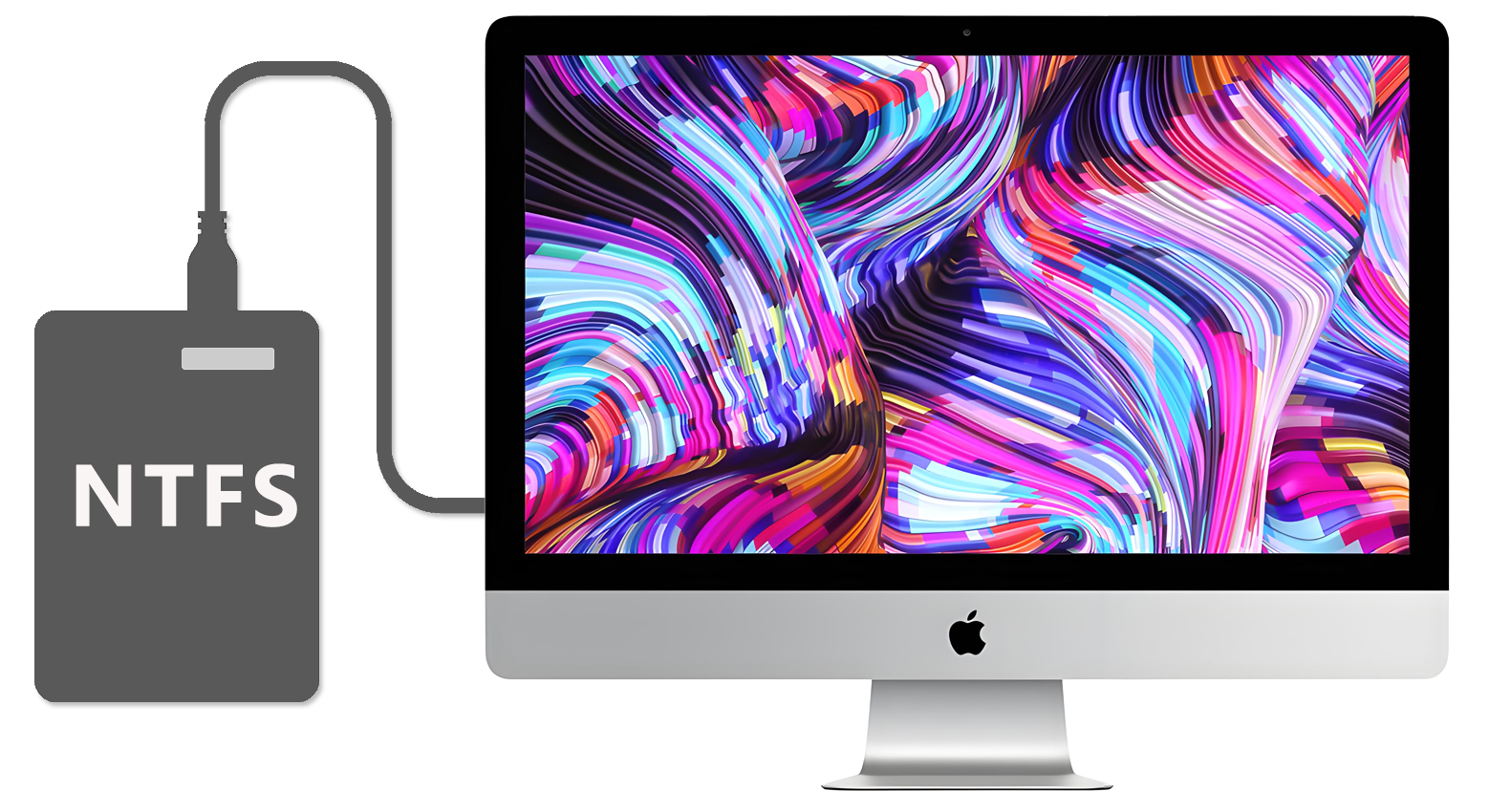
Have you ever run into this problem? You connect a Windows-formatted NTFS hard drive or USB stick to your Mac, only to see a frustrating message: “Read Only. You can view files but can’t add, edit, or delete them.” Many people end up backing up and reformatting the drive—a time-consuming process that risks data loss.
Now, there’s a smarter solution: CrossDriver!
With CrossDriver, it’s one-click install and ready to use. Mac users can directly and smoothly read and write to Windows drives. No complicated setup required—once installed, it works like a native drive. Copy, edit, save, or delete files freely. Whether it’s work documents, design files, or HD movies, cross-platform transfer has never been easier.
Forget about tedious workarounds or extra storage devices. Cross-platform collaboration should be this simple.
Click the link in our bio to start reading and writing seamlessly today!