 简体中文
简体中文
 English
 繁體中文
繁體中文
 Русский
 日本語
日本語
 Français
 한국어
한국어
 Deutsch
 Português
 Español
CrossDriver Company
NTFS Read/Write Tool
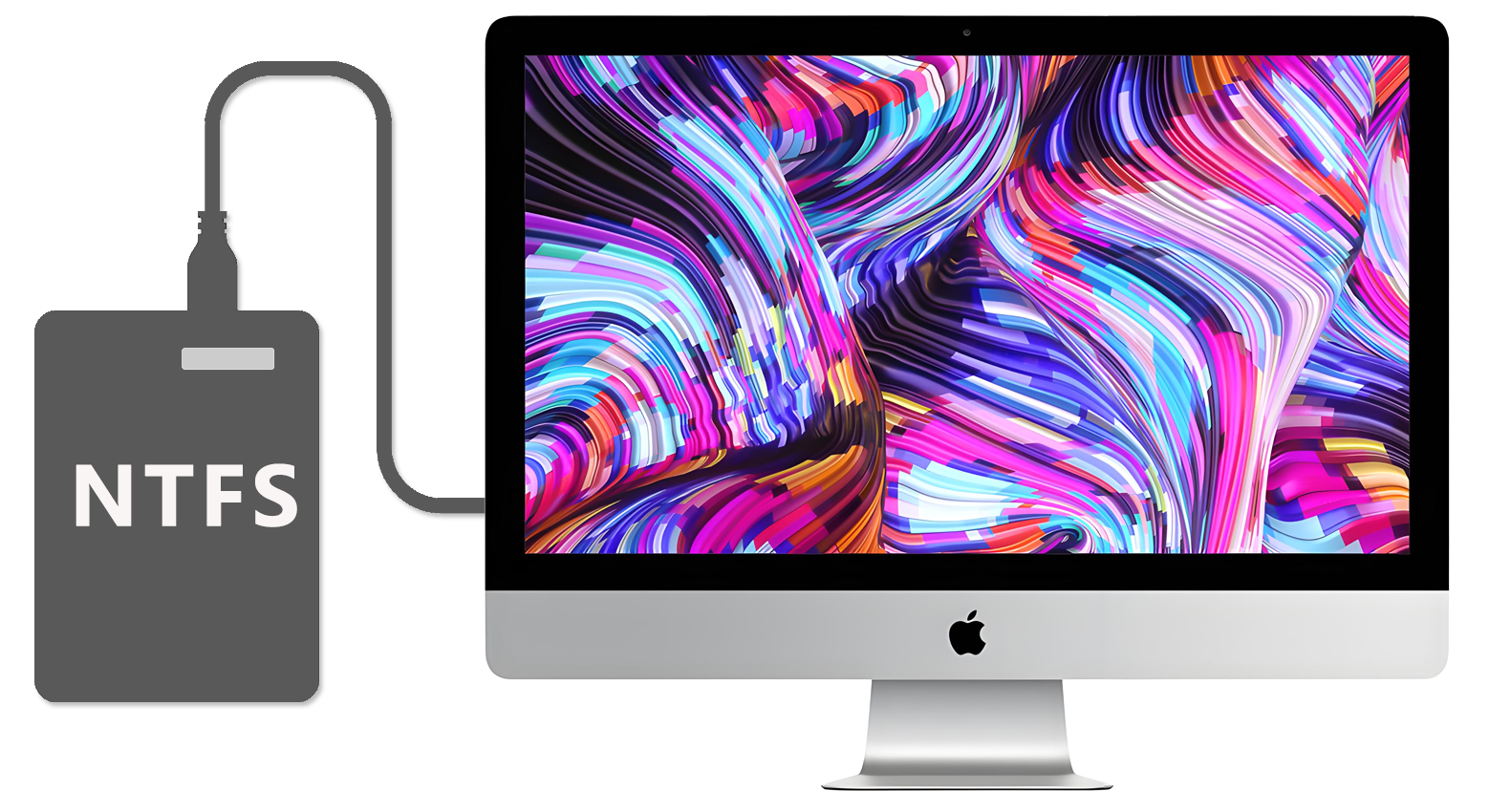
Compatible with Apple computers with Intel/M1/M2/M3/M4/M5 chips Access and edit NTFS partitions in the system, and realize data reading, writing, editing and other functions
 Download Now
  Buy Now
That's all you need to Read/Write NTFS disks on Mac
Enable a friendlier interaction between  MAC and
  Windows
CrossDriver Company
NTFS Read/Write Tool
Compatible with Apple computers with Intel/M1/M2/M3/M4/M5 chips Access and edit NTFS partitions in the system, and realize data reading, writing, editing and other functions
That's all you need to Read/Write NTFS disks on Mac
Enable a friendlier interaction between MAC and Windows


The Right Way for Mac to Read & Write NTFS Hard Drives: Install CrossDriver
2026-05-11 17:58:28
Many Mac users face a common frustration: when connecting an NTFS-formatted hard drive or USB flash drive to macOS, they can only read files but cannot directly edit, save, or delete them. What should you do if files are accidentally lost during such operations?
Whether lost files can be recovered actually depends on whether new data has been overwritten on the drive.
The best way to avoid such issues is to enable full NTFS read-write support on your Mac, allowing unrestricted and seamless file management!
Introducing a Powerful Solution: CrossDriver – It delivers genuine, full NTFS read-write compatibility for your Mac:
Kernel-level extension technology, achieving transfer speeds over 8x faster than typical tools
Plug-and-play – Automatically detects and mounts NTFS devices
Edit, save, and delete files directly on your Mac – no reformatting required
Supports large-capacity drives up to 30TB with stable, high-speed performance
One-click installation, compatible with macOS 10.13 through the latest versions
If you regularly use NTFS external drives or USB drives with your Mac, give CrossDriver a try. Say goodbye to file system limitations and make your workflow and data transfers smoother than ever!